MINHVUTECH / SERVICES
Choose what to build.
Know the starting price.
These four service groups show MinhVuTech’s starting prices. A formal quote will define tasks, scope, timeline and third-party costs before work begins.
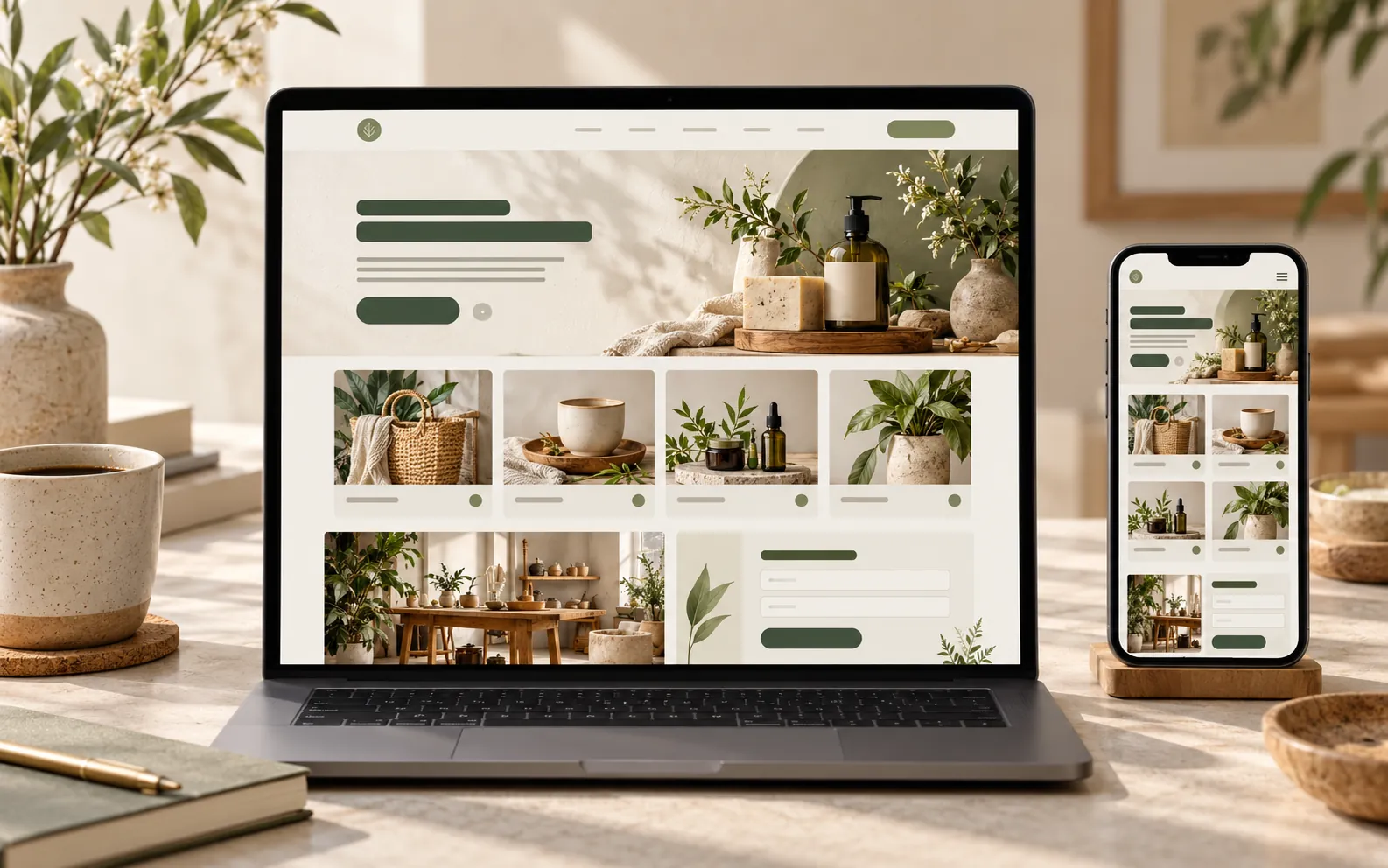 WEB CONCEPT
01 / PRIORITY SERVICE
Web Development
Landing pages, business websites, service pages and small dashboards.
From VND 700,000/ project
Project options
- Single-service landing page
- Multi-page business website
- Service page with contact CTA
- Small data dashboard
Starting prices apply to an agreed scope; content, page count, features and integrations may change the quote.
Choose Web Development ↗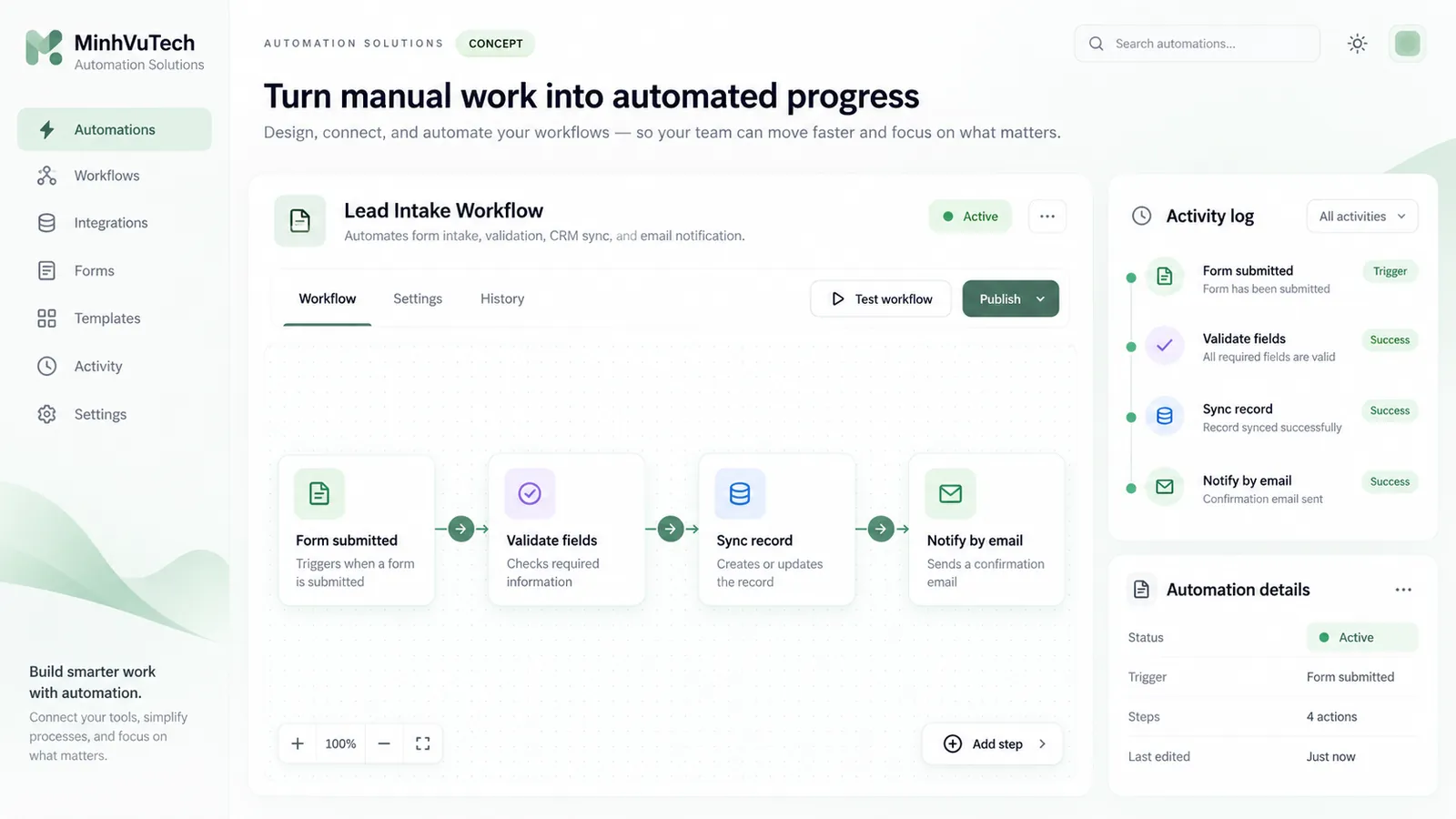 AUTOMATION CONCEPT
02 / WORKFLOW & INTEGRATION
Automation Solutions
Automate notifications, sync data, process forms, build management bots and integrate APIs.
From VND 500,000/ project
Project options
- Automatic new-request notifications
- Sync data between tools
- Process forms and deliver results
- Management bot or API integration
Price depends on workflow steps, connected apps, API permissions and error handling. Third-party service fees are separate unless stated in the quote.
Choose Automation ↗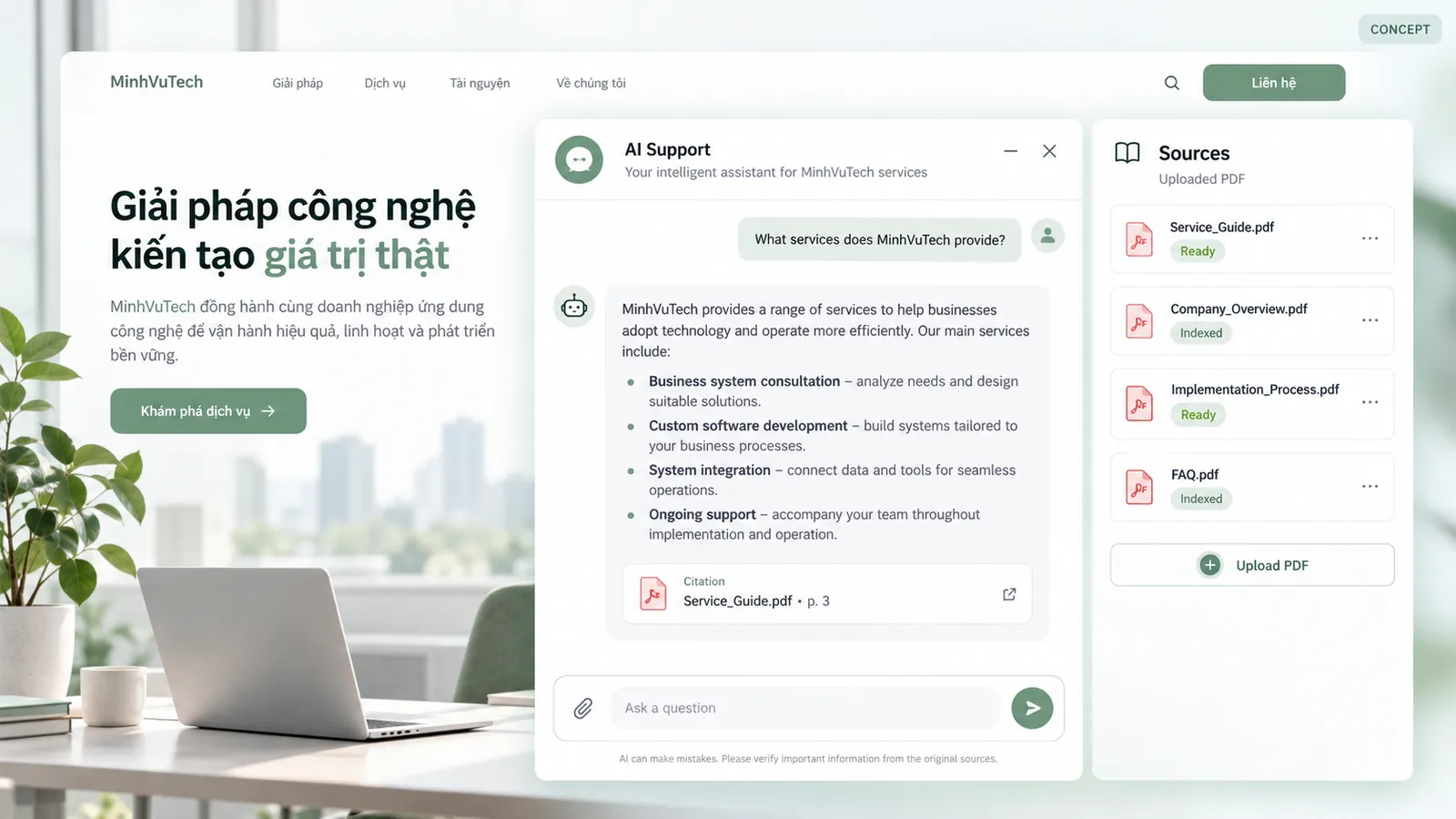 AI CONCEPT
03 / AI INTEGRATION
AI Integration
Document Q&A chatbots, customer support assistants and AI integrated into websites.
From VND 1,500,000/ project
Project options
- Document Q&A chatbot
- Customer support assistant
- AI widget integrated into a website
- Connect an authorized data source
We assess data, expected accuracy, model provider, privacy and usage costs before quoting.
Choose AI Integration ↗ SOFTWARE CONCEPT
04 / CUSTOM SOFTWARE
Custom Software
Internal tools, management software and custom web applications.
Get a quoteby scope
Project options
- Internal workflow tool
- Data or order management software
- Role-based web application
- Data integration and migration
A scope-based quote follows clarification of the workflow, users, data and acceptance criteria.
Describe your software needs ↗MINHVUTECH / CLIENT PORTAL
Know where your project is,
and what is happening now.
The client portal lets signed-in customers see progress, current work and next milestones for projects linked to their account.
Discuss your project ↗PROJECT TRACKING · CLIENT PORTALSIGN IN TO VIEW
↗No simulated progress
Project status is shown in the client portal after an administrator links a project to your account. Sign in to view the latest update.
01Received02In progress03Waiting for your feedback04Completed
Have a direction in mind?
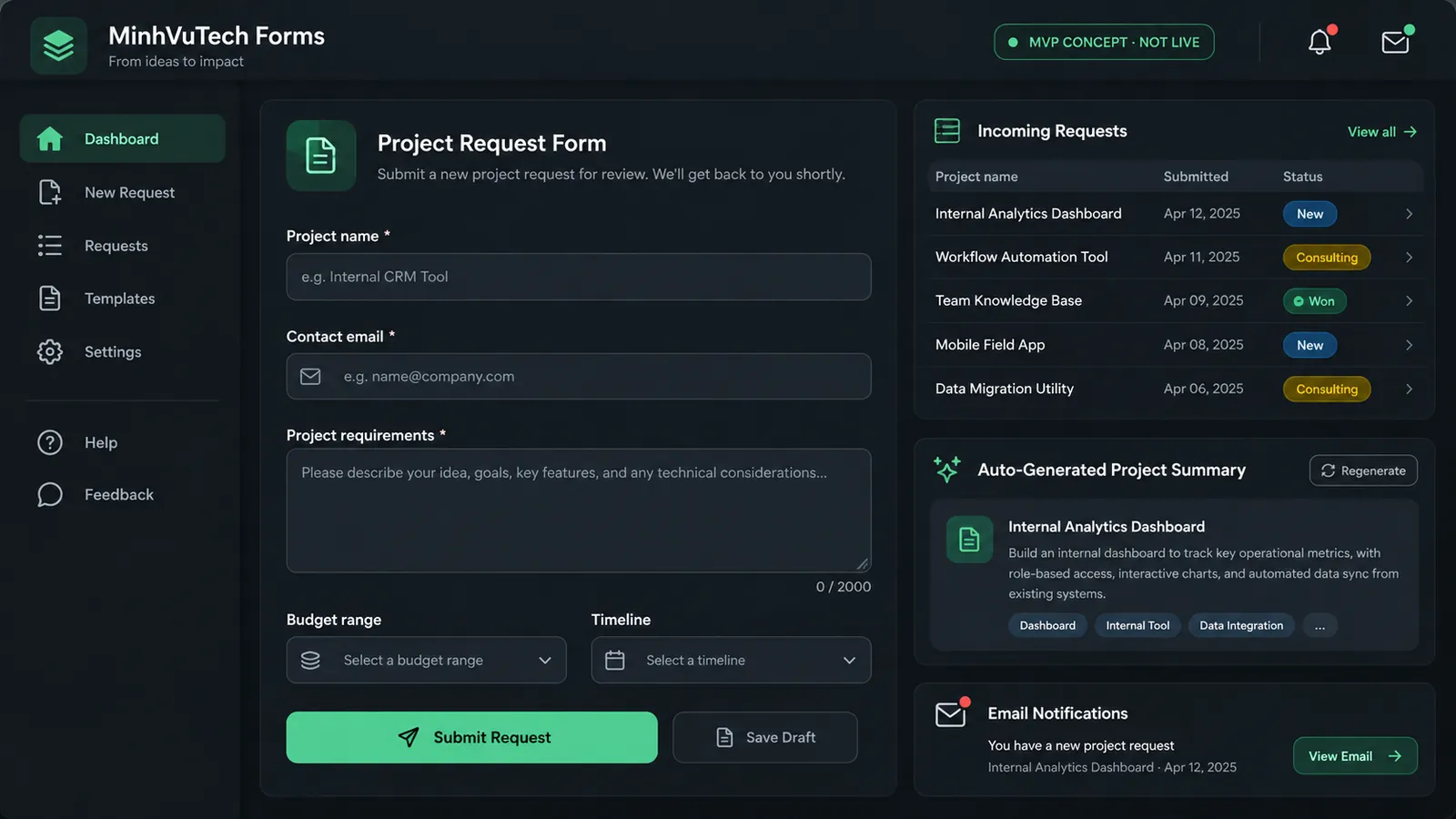
Choose project tasks, budget and timeline. Your request is saved for follow-up.
Create a project request ↗